See Each Pipeline Log
Click the right menu "Pipeline log" of "Monitor" tab, log of each pipeline can be seen and searched on displayed screen.
Memo
Using"Download",you candownloadlog file.
You can see log of each pipeline according to the following steps.
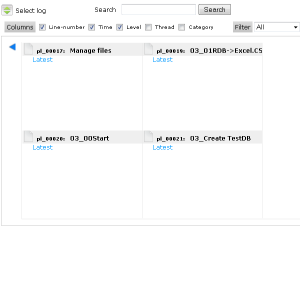
Step 1
Select pipeline log to display from blue list of left figure.

Step 2
Log is output.
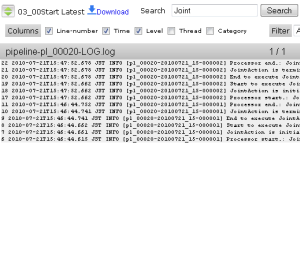
Step 3
Input search keyword to filter log.