Clear Cache Data
In pipeline, the monitor target status or the execution history information, and the action settings contents for executing actions, are managed separately in each action. Especially if you want to test to run the sensor actions of monitoring, by clearing cache data you can immediately restart the pipeline whose monitor target status has been initialized. Also, when you move to production from staging, by clearing cache data you can also initialize the status of cache data.
You can follow the steps below to clear cache data.
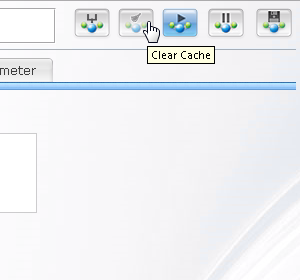
Click the  button on the top right corner of the page.
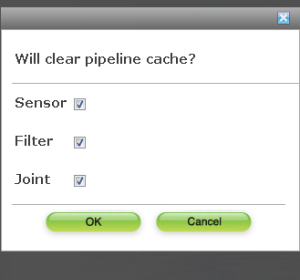
Check the checkbox of stage which you want to clear and then click"OK".
When click"Clear cache"button in the pipeline entire settings page, all checkboxes of stages will be checked. When click"Clear cache"button in the settings page of each stage, checkboxes of the corresponding stages will be checked.
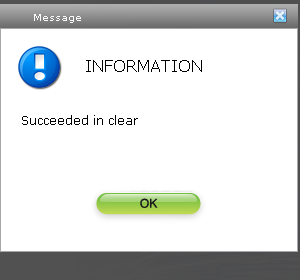
Click"OK"in the shown confirmation dialog.