Export Pipeline
Export according to the following steps.
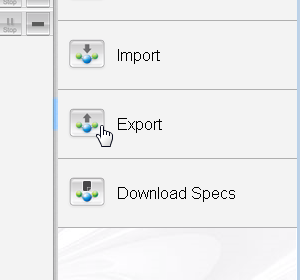
Step 1
Click "Pipeline list" on the left screen, click export button on the right of operation menu on screen displayed.
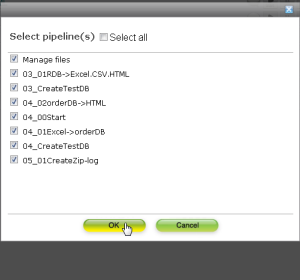
Step 2
Select the checkbox in front of pipeline name to export.
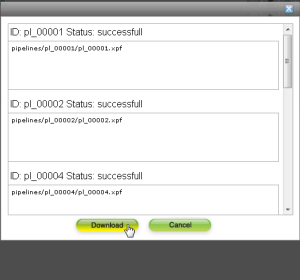
Step 3
Pipeline information exported is displayed. Click "Download".
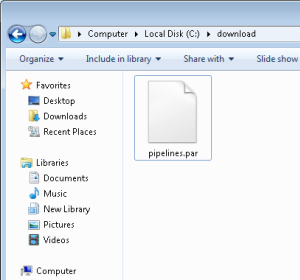
Step 4
The pipeline archive file is exported.