Start pipeline
Start pipeline according to the following steps.
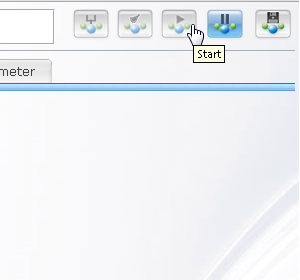
Step 1
Click  button on the upper right of settings screen.
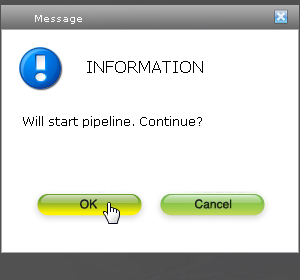
Step 2
Click "OK" in the displayed confirmation dialogue.
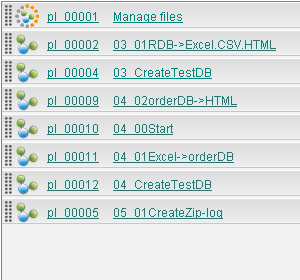
Step 3
When begins normally, the icon of the pipeline name changes in the pipeline list on the left, and beginning button on upper right becomes blue.