Stop All Pipeline
Stop all pipelines according to the following steps. This operation cannot be done when there is no pipeline.
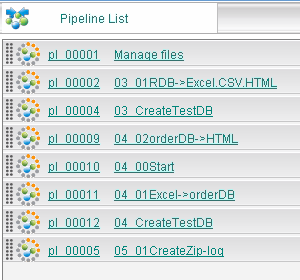
Step 1
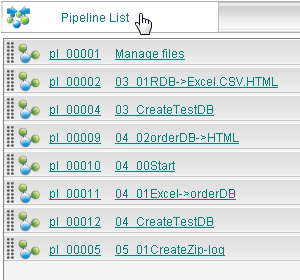
Click "Pipeline list" on the upper left.
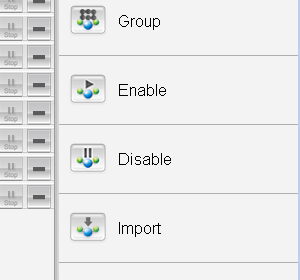
Step 2
Click stop all button.
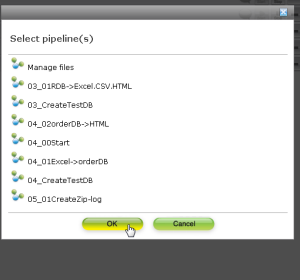
Step 3
In the displayed dialogue, the list of stopping pipeline is displayed. When there is a pipeline that you don't want to stop, click the icon of pipeline name. Click to change to the start icon, and the pipeline starts.
Click "OK" after selecting.
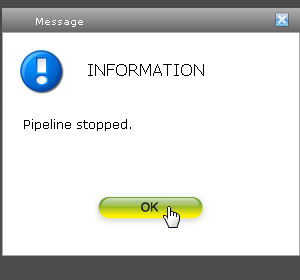
Step 4
Click "OK" in the displayed confirmation dialogue.
Step 5
After stopping normally, the icon of pipeline list on the left will be switched to stop icon.