File Management
Manage files in the file list
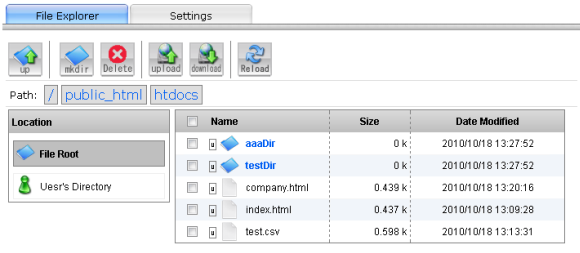
You can manage the files and the directories under [DATA_DIR]/pipeline/home/pipeline/_fileroot/ in the file list.
Memo
- ・Access to the file list from the coordinator.
-
Manage the files under [DATA_DIR]/pipeline/home/pipeline/_fileroot/.
- ・Access to the file list from another place.
-
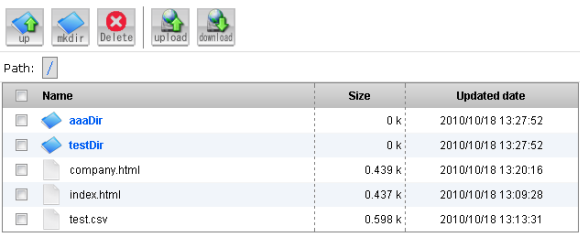
Manage the files under [DATA_DIR]/pipeline/home/pipeline/_fileroot/public_html/htdocs/ .
The URL is http://[host]:[port]/public/filebrowse.※ To use it, you should set in the page of user directory management first.
Caution
User directory management
After activating "Browser access settings" in the "User directory management", you can publish the files・directories under [DATA_DIR]/pipeline/home/pipeline/_fileroot/public_html/htdocs/ as Web contents.
Memo
- ・Sample HTML
-
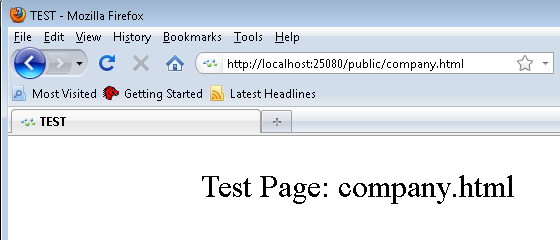
If a file named "htdocs/company.html" is created, the URL will be http://[host]:[port]/public/company.html.
- ・Directory reference
-
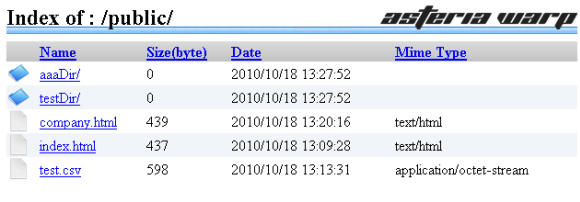
If you access to the directory like "http://[host]:[port]/public/" instead of file, you will see the file list.